
01
Drop the long video
A YouTube video, a Twitch VOD, an interview or a podcast. One file is enough. Mixed formats stay on the same timeline.
AI tools
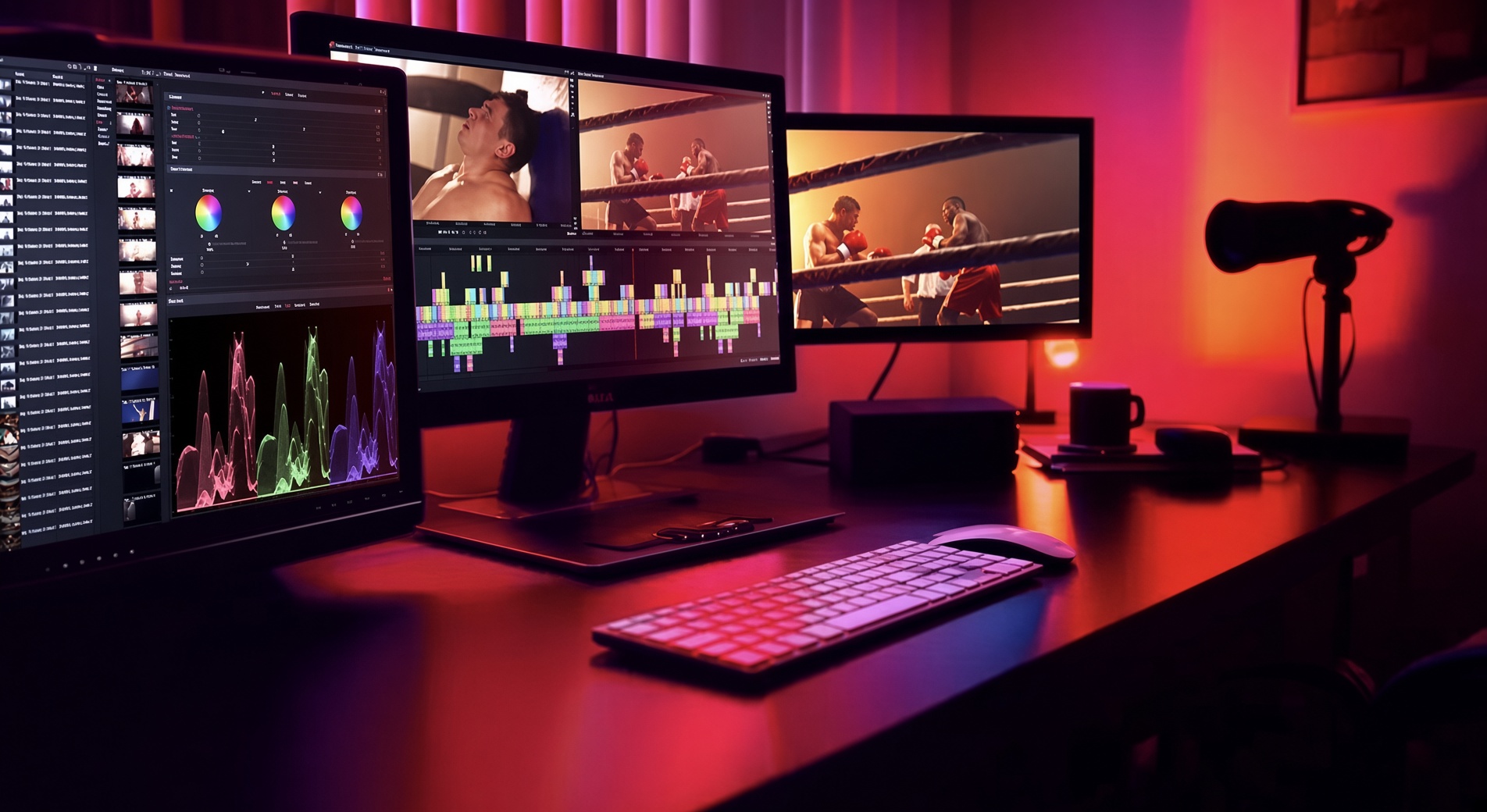
Drop a YouTube video, a Twitch VOD or a podcast. Night Calibre finds the strongest moments, cuts each one for TikTok, Reels and Shorts, and writes the captions. Trim any clip before you export. Nothing is published until you say so.
Long to short
01
A YouTube video, a Twitch VOD, an interview or a podcast. One file is enough. Mixed formats stay on the same timeline.
02
Hooks, reactions, punchlines and clear answers are cut out as separate shorts. You get several posts from one recording, not a single guess.
03
Each clip gets captions and a 9:16 frame that follows the face. Export 1080×1920 from Free, or trim a line first if you want the cut tighter.
A long recording is scanned for the lines people stay to hear: a hook, a reaction, a punchline, a clear answer. Each moment lands on the timeline as its own short, with captions and a vertical frame. Trim, reorder or drop any clip before you export.
Speech on the timeline becomes timed captions. A second voice gets its own speaker label. Change a word or a line break, then burn the titles in or write SRT and VTT next to the master.
Read the interview as text. Delete a false start, an um, or a repeated line and the picture closes up. Put a line back if the cut was wrong. A word in the transcript jumps the playhead.
Type the line, choose a voice, and place it under the picture. Pace, pitch and pauses sit on the clip. Music ducks while the line plays, in the same mixer as every other track.
Record or import a short clean reference. Later pickups follow that voice, for the line the talent could not stay to re-record. Creator and Ultimate.
Take the transcript into another language and lay a read that hits the same pictures. Captions in the new language stay locked to the dubbed track. Creator and Ultimate.
Dead air, ums and false starts are marked on the timeline. Accept or reject each one. Nothing is removed until you confirm the cut.
Pull a person or a product off the shot. The matte is a normal clip: garbage-matte the edges, grade it, and composite it on the same timeline.
Reduce room tone and steady a noisy line. A lighter pass is on every edition. Finishing-grade dialogue enhance, upscale and gaze correction (when someone is reading a prompt) are on Ultimate. The camera original stays in the bin.
Describe the cue and get a music clip cut to the sequence length: tension under a minute, a light bed under a product line. It is a temp. Swap it for licensed music before delivery.
The music track suggests cut points. Keep the ones that fit the scene and ignore the rest. They are markers, not a montage you cannot undo.
On Ultimate, point a script at a bin. Night Calibre strings a first assembly from matching lines and clip names, with voice and captions already laid. You still decide the cut.
Paste a script on any edition. Night Calibre lays the voiceover and captions on the timeline so you can drop picture under them. The rough cut from a large bin is the Ultimate step above.
Best-moment clips, captions, transcript edit, core voices, script to voice and titles, silence removal, background removal, temp beds, beat markers, 1080p.
Everything in Free, plus translate and dub, voice match, and the longer score cues.
Everything in Creator, plus script to first assembly, dialogue enhance, upscale and gaze correction.
One long video becomes several TikToks, Reels, Shorts and Twitch clips. Windows 10 and 11.